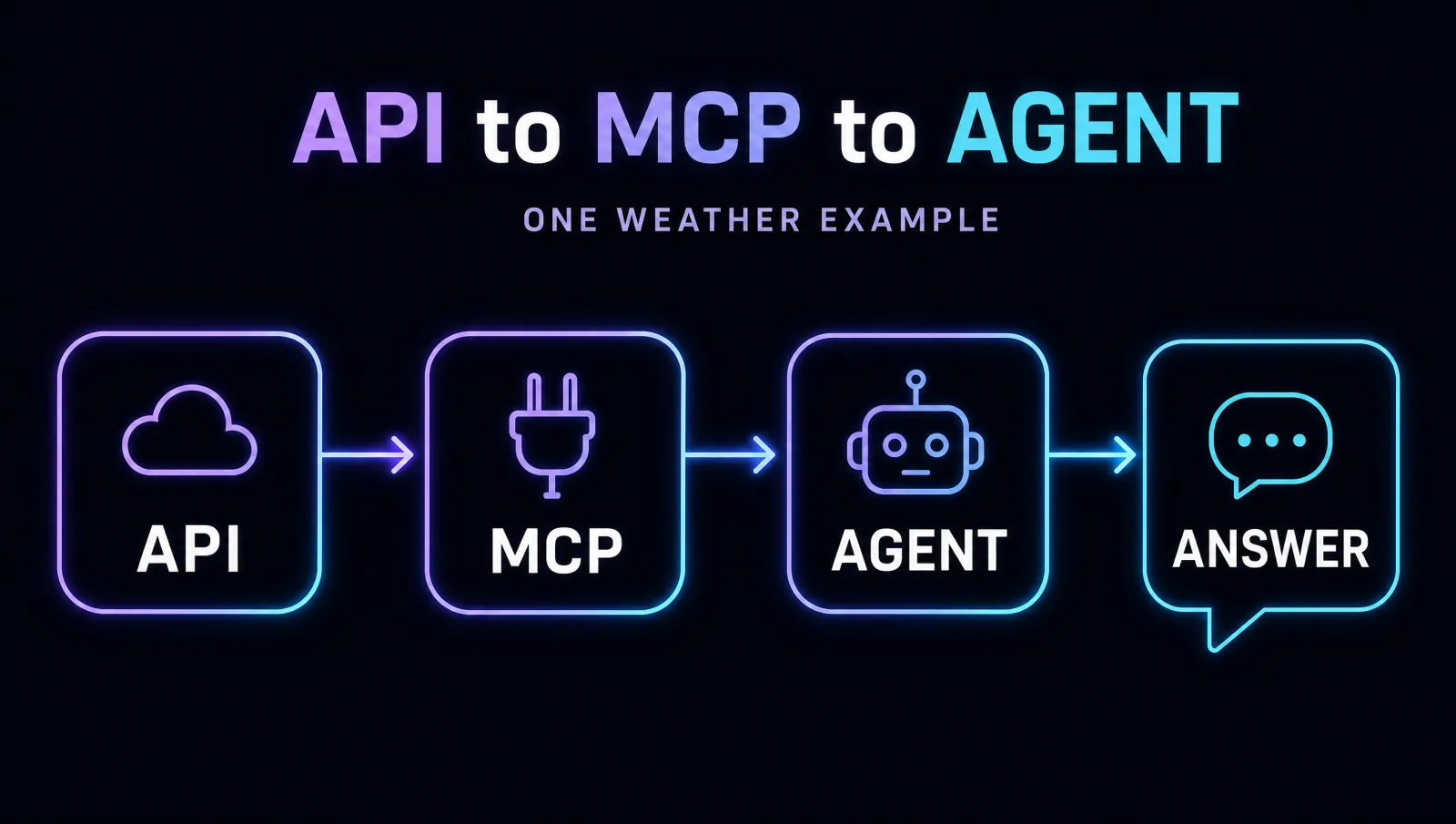
We'll build one small stack. The agent has a goal; it calls a tool exposed by MCP; MCP calls your API; the API returns the weather. Same example, three layers — that's the whole picture:
pip install fastapi uvicorn requests "mcp[cli]"
Step 3 also runs right here in your browser — no install needed for that one.
Build an API
An API is the waiter: a request comes in, a response goes out. We'll make a tiny weather API with FastAPI — a pretend weather "database" so it runs with zero API keys.
# A tiny web API. Run it with:  uvicorn weather_api:app --reload
from fastapi import FastAPI

app = FastAPI()

# a pretend weather "database" so it runs with no API key
WEATHER = {
    "austin":  {"temp": 98, "sky": "sunny"},
    "seattle": {"temp": 61, "sky": "rainy"},
}

@app.get("/weather/{city}")
def get_weather(city: str):
    return WEATHER.get(city.lower(), {"error": "unknown city"})
Try it
Run uvicorn weather_api:app --reload, then open this in your browser:
http://127.0.0.1:8000/weather/austinWrap it as an MCP tool
Right now only code can call your API. MCP is the USB-C port that lets any AI call it too. We expose the same weather call as an MCP tool — about ten lines with FastMCP.
# Exposes the API as an MCP tool any AI can use.
from mcp.server.fastmcp import FastMCP
import requests

mcp = FastMCP("weather")

@mcp.tool()
def get_weather(city: str) -> dict:
    """Get the current weather for a city."""   # <- the AI reads this
    r = requests.get("http://127.0.0.1:8000/weather/" + city)
    return r.json()

if __name__ == "__main__":
mcp.run() # now an MCP-speaking AI can call get_weather@mcp.tool() line advertises get_weather — its name and that docstring — to any AI over MCP. The AI reads the description, decides when to use it, and MCP calls your API underneath. MCP wraps the API; the API still does the work.Connect it to Claude
Point Claude Desktop at this server (Settings → Developer → Edit Config), restart, and ask: “What's the weather in Austin?” Claude picks the get_weather tool on its own and answers. You built a tool the AI can use.
Use it from an agent
An agent is the loop: given a goal, it decides to call a tool, reads the result, and answers. Here's the smallest possible one, using our weather tool. The goal is “What should I wear in Austin?”
To keep it runnable with no keys, the "brain" is a tiny hand-written stand-in (a mock LLM) — a real agent would call Claude here. The loop and the tool call are 100% real. Edit it, then hit ▶ Run:
get_weather for the MCP tool and mock_llm for a real Claude call, and this is a genuine production agent.📌 You built the whole stack
Same weather example, three layers. Now go deeper or start Week 1.